How to send a parcel the same day in Ahmedabad: a step-by-step guide
Everything you need to send something across the city today, from what to keep ready before you book to the code your receiver shares at the door.
 Movezo teamPublished Updated 6 min read
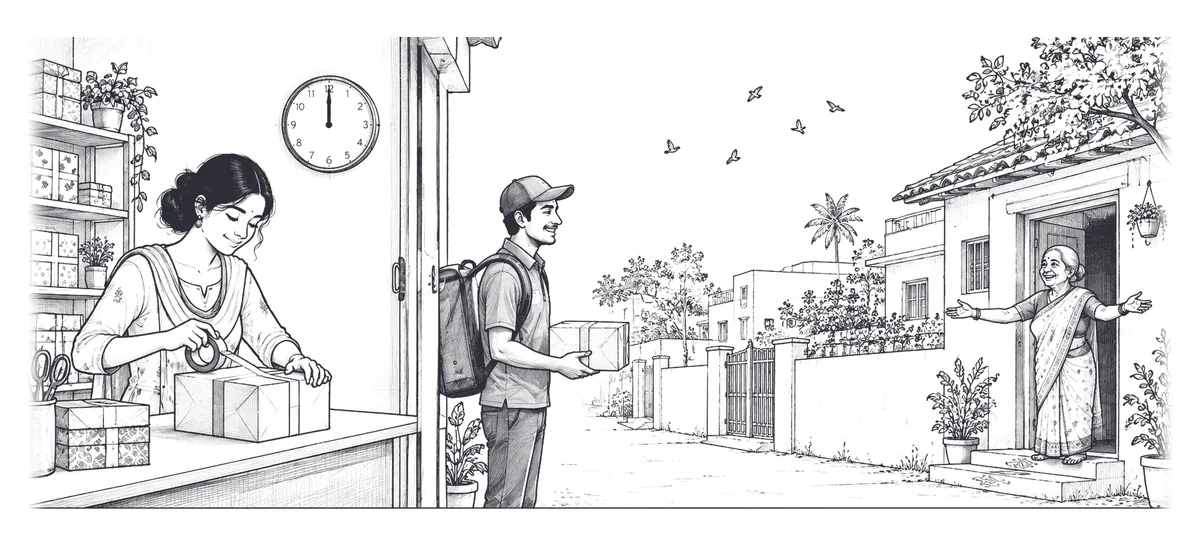
A forgotten file that has to reach an office on CG Road. A tiffin for someone in Maninagar. Stock that a shop in Navrangpura needs before evening. Within a city, the fastest way to move something is not a courier counter but a vehicle that comes to you, goes straight to the drop and does not stop at a hub.
This guide walks through exactly how a same-day delivery works on Movezo, what to keep ready, and the small things that make the difference between a smooth trip and a delayed one.
What to keep ready before you book
Two minutes of preparation saves most of the delays we see. Before you open the app, have these ready:
- The exact pickup and drop points. Drop the pin on the right gate, not just the society name. In large societies and old-city pols, a pin on the wrong side can add ten minutes.
- The receiver's name and mobile number. The receiver gets the delivery code by SMS, so the number must be right and switched on.
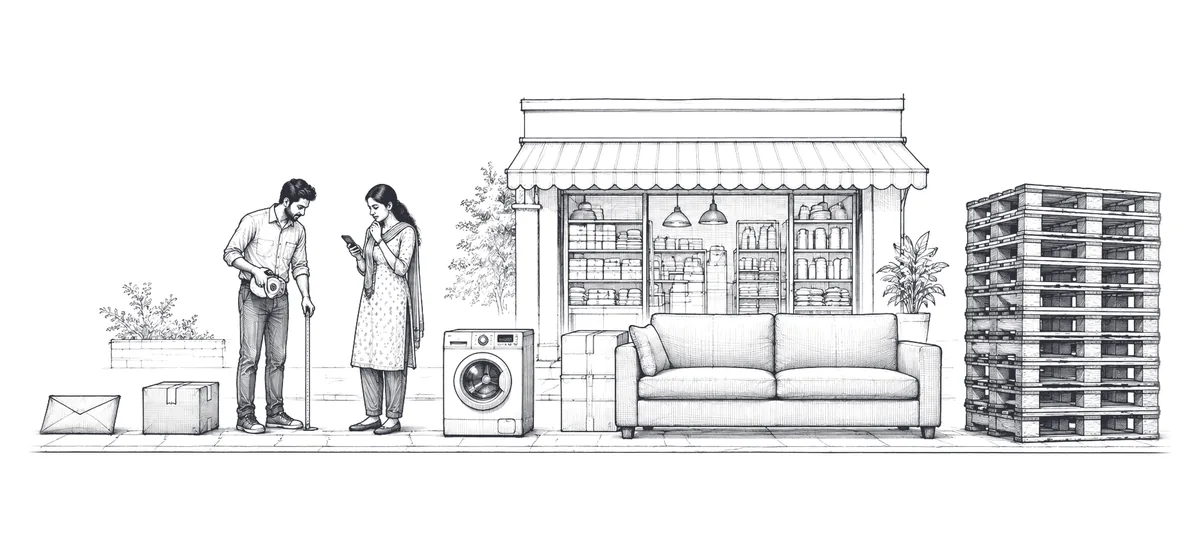
- What you are sending. Choose the goods type and give an honest size and weight. It decides which vehicles you are shown and lets the partner come prepared.
- The goods, packed and in one place. The partner starts the free waiting time when they arrive, so have everything sealed and at the door. Our packing checklist covers what "packed" means for different items.
Booking a same-day delivery, step by step
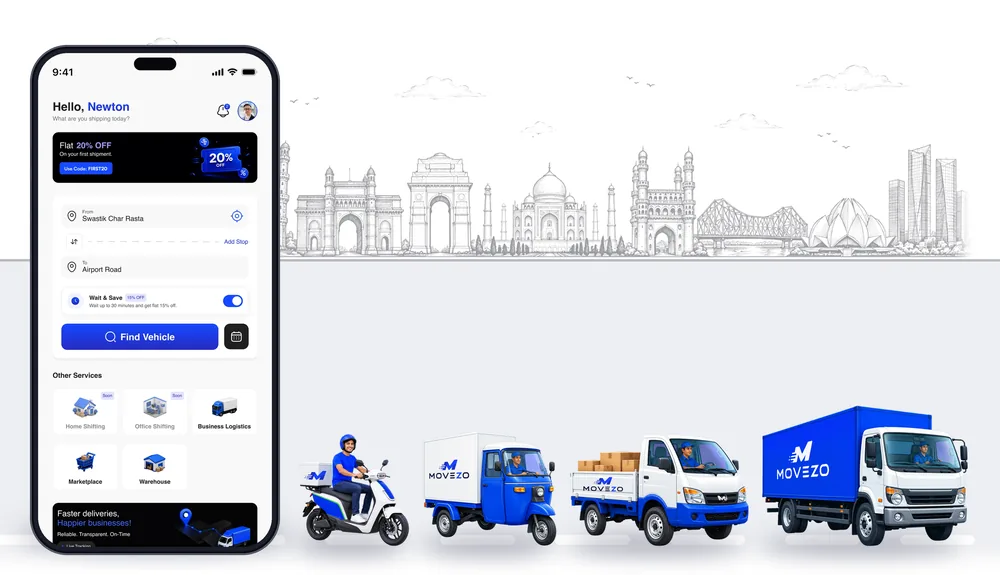
- 1Set pickup and drop. Search the address or drop a pin. You can add extra stops if one vehicle needs to make several drops.
- 2Describe the goods. Pick the goods type, the approximate weight and size, and mark it fragile if it is.
- 3Choose a vehicle. The app lists the vehicles that suit your load, each with its full price. Not sure which one? See how to choose the right vehicle.
- 4Check the price breakdown. Fare, any surcharge, add-ons, offer, the Movezo platform fee and GST are shown as separate lines before you pay. There is no haggling at the gate.
- 5Pay in the app. UPI, debit or credit card, or net banking, through Razorpay. Cash and pay-on-delivery are not accepted, so the partner never asks you for money.
- 6A partner is assigned. Movezo offers the job to nearby verified partners. You see their first name, photo, vehicle number and rating. If nobody accepts within about three minutes, you can try again or schedule it, and if you do nothing the booking is cancelled and refunded in full automatically.
- 7Hand over against the pickup OTP. Your app shows a pickup code. Give it to the partner only when the goods are actually in their hands. The partner photographs the goods, and the trip starts.
- 8Track it live. Follow the vehicle on the map and share a tracking link with the receiver if you like. The link shows the vehicle and the arrival time, never a phone number or the fare.
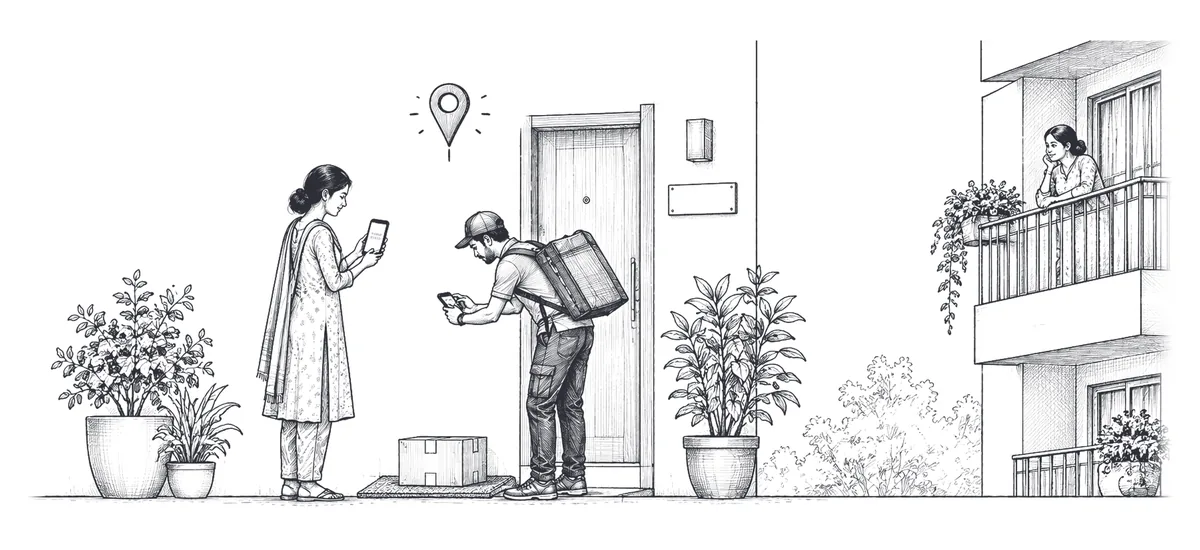
- 9Delivered against the delivery OTP. The receiver checks the goods and then gives the partner the delivery code from their SMS. That code, a photo and the GPS point make up the electronic proof of delivery (ePOD) in your order history.
How fast is "same day"?
Instant bookings go to the nearest available partner as soon as your payment is confirmed. How long the trip takes depends on distance, traffic and the vehicle, and the app shows an estimate when the partner is assigned. Those times are estimates, not guarantees, because Ahmedabad traffic at 6 PM on Ashram Road is not the same as at 11 AM.
One useful rule: if the partner is more than 15 minutes later than the arrival time shown when they were assigned, you can ask support to cancel the booking without any fee.
Instant or scheduled?
Same day does not always mean right now. If you know the pickup time in advance, a scheduled booking is often the better choice:
| Instant delivery | Scheduled delivery | |
|---|---|---|
| When the partner comes | As soon as one accepts | Within a two-hour slot you pick, up to 7 days ahead |
| Surcharges (rush hour, rain, demand) | Can apply, and are shown before you pay | Never applied |
| Fare | Shown and fixed when you pay | Half the base fare, fixed when you book |
| Best for | Urgent, unplanned sends | Planned pickups, regular stock runs, office deliveries |
You get a reminder about an hour before a scheduled slot, and a notification when the partner is assigned and when they start for pickup.
What it costs
Every fare is a base fare for the vehicle plus Pickup pay and the Drop charge (your per-km charge for the route, split 25:75, both paid to the partner), with a minimum fare per vehicle. A scheduled booking pays half the base fare. To the fare are added any surcharge (only ever on the Drop charge), the add-ons you choose (like loading help), a 7% Movezo platform fee and 18% GST on that fee. The app shows the full price for your route, line by line, before you pay. Booked as a scheduled slot, the same trip costs less, because the base fare is halved and no surcharge can apply.
We break this down line by line, with worked examples, in how delivery charges are worked out.
Common mistakes that slow a delivery down
- The receiver's phone is off or wrong. Without the delivery code the partner has to call you and support has to approve the drop another way. Check the number twice.
- Goods are not packed when the partner arrives. Free waiting time is 10 minutes on a two-wheeler and longer on bigger vehicles; after that a small per-minute charge starts.
- The load is bigger than the vehicle. A partner can refuse goods that do not fit or are unsafe to carry. When in doubt, go one size up.
- Changing the drop mid-trip. You can, if the app allows it, but the revised fare is shown and must be accepted first.
Frequently asked questions
Can I send a parcel to another city?
Movezo is built for deliveries within a city. The serviceable areas are shown in the app when you set the pickup and drop.
What if the receiver is not at home?
The partner waits through the free waiting time and tries to reach the receiver. If nobody can take it, you can ask for the goods to come back to the pickup or go to another address in the city, charged as a new trip.
Can I cancel after booking?
Yes. Cancelling is free until a partner is assigned and for 60 seconds after. Then a small fee applies, rising with how far the partner has come: before they start, while they are on the way, or once they have arrived, plus any waiting charge. The app shows the exact fee before you confirm.
Do I have to be there for the pickup?
You or someone you trust needs to be there to hand over the goods and share the pickup code from your app.
Prices, offers and rules in this guide follow Movezo’s published policies on the date above. The app always shows the current fare before you book. See Pricing, Fares and Charges and the Customer Terms.