How delivery charges are worked out in Ahmedabad, with worked examples
A delivery price has only a handful of lines. Once you know what each one is, you can predict a fare before you open the app and spot ways to pay less.
 Movezo teamPublished Updated 9 min read
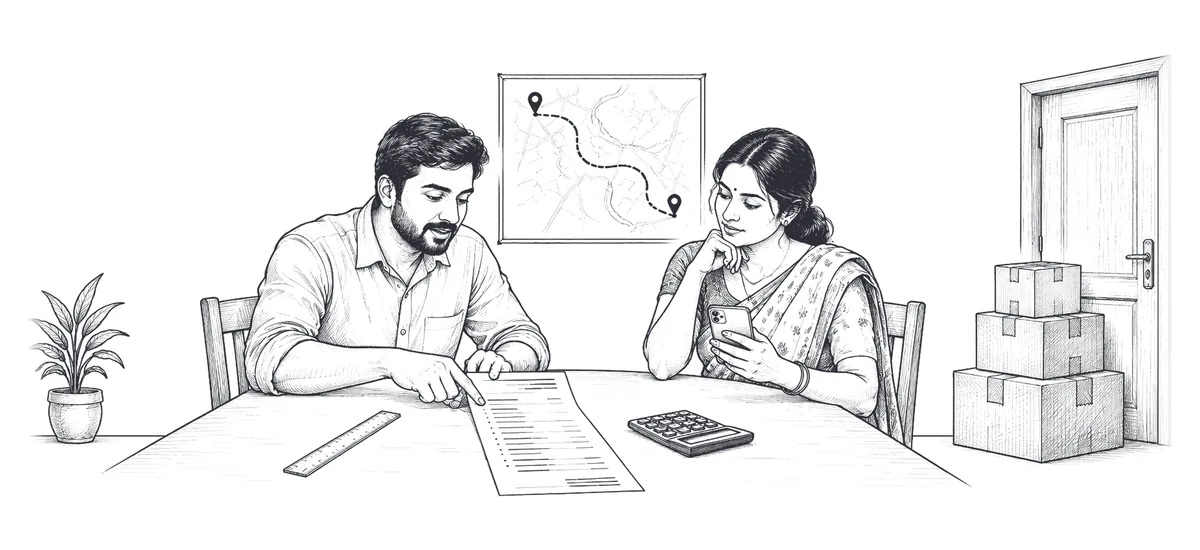
"How much will it cost?" is the first question anyone asks before sending something. On Movezo the answer is always on the screen before you pay, but it helps to know how it is built. There is no secret multiplier: a fare is made of a few published lines.
The formula in one sentence
Fare = base fare + Pickup pay + Drop charge. Pickup pay and the Drop charge are your per-km charge, split 25:75: the per-km charge is the vehicle's standard rate for the first 11 km plus a lower rate for every km after that, and both lines are paid in full to the delivery partner. A scheduled booking pays half the base fare. If the fare comes to less than the vehicle's minimum fare, the minimum applies, and Pickup pay and the Drop charge rise in the same 25:75 proportion. To the fare are then added any surcharge and the add-ons you choose, one offer may come off, and a 7% Movezo platform fee plus 18% GST on that fee completes the total. The fare is rounded to a whole amount, and any rounding difference goes on the Drop charge so the lines add up.
The distance is the route distance from the maps provider, not a straight line on the map.
The rate card
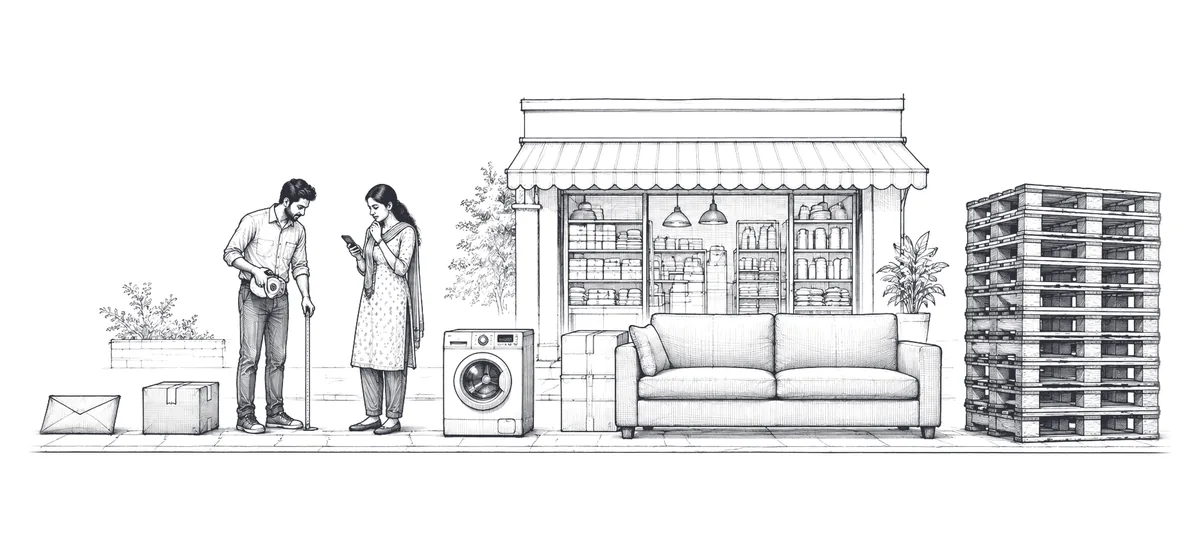
Every vehicle has four published rates: a base fare, a per-km rate for the first 11 km, a lower per-km rate for every km after that, and a minimum fare. Base fares and minimum fares rise with the size of the vehicle, in this order:
- Bicycle
- Two-wheeler (electric)
- Two-wheeler (petrol)
- Three-wheeler (electric)
- Three-wheeler cargo
- Tata Ace
- Pickup 8 ft
- Pickup 9 ft
- Eicher 14 ft
- Truck 17 ft
The two trucks have a much higher base fare and minimum fare than the pickups, but similar per-km rates. The exact rates for every vehicle are in the Pricing Policy.
In the app, the per-km charge shows as two lines, Pickup pay and the Drop charge: a quarter of each km's rate is Pickup pay and three quarters is the Drop charge. A scheduled booking pays half the base fare and the full per-km rates.
Longer trips cost less per km: every vehicle's rate drops by about a fifth after the first 11 km, and the lower rate applies only to the kilometres beyond 11. The app always shows the current rate for your city, and that is the rate that applies.
Surcharges: when, and how much
Surcharges apply only in specific situations and only to the Drop charge, never to the base fare or Pickup pay. Every surcharge is shown with its reason and amount before you pay.
| Surcharge | When | Typical rate on the Drop charge |
|---|---|---|
| Rush hour | 7 to 9 AM and 5 to 8 PM, Monday to Friday | 10 to 15% on two- and three-wheelers, 12% on Tata Ace and pickups. Not on bicycles or trucks |
| Night | 11 PM to 6 AM, every day | 10 to 20%, depending on the vehicle, with a small minimum |
| Rain | During an active rain alert | 5 to 25%, depending on the vehicle |
| High demand | When bookings exceed available partners nearby | 10 to 30% |
| Festival | On festival dates listed in the app | 10 to 15% |
| Priority | Only if you choose Priority delivery | 30%, with a small minimum |
If several apply at once they add up, but they are capped, for example at 1.5 times the normal Drop charge for two-wheelers and 1.35 times for a Tata Ace. Scheduled bookings are never surcharged.
Add-ons and charges after the trip
| Item | Charge |
|---|---|
| Loading help by the driver | A flat fee on three-wheelers, Tata Ace, pickups and trucks. Free if loading takes under 5 minutes |
| Extra stop | A fixed fee per stop, lowest on bicycles and two-wheelers and highest on trucks |
| Waiting | A per-minute rate after the free waiting time, counted separately at pickup and drop |
| Tolls and parking | The actual amount, with a photo of the receipt |
| Packing material you ask for | The actual cost, with a receipt |
The platform fee is not charged on surcharges or add-ons, and add-ons go in full to the partner. Every add-on is shown with its amount before you pay.
Worked example 1: a parcel on a two-wheeler
You send a box of samples 6 km from Prahladnagar to Navrangpura on an electric two-wheeler, booked for now at 11 AM on a weekday. This is how the app builds the price:
- 1Base fare. The electric two-wheeler's base fare, in full, because the booking is for now.
- 2Per-km charge. All 6 km are inside the first 11 km, so every km is charged at the standard rate.
- 3Pickup pay and the Drop charge. The per-km charge is split 25:75: a quarter is Pickup pay, three quarters the Drop charge.
- 4Fare. Base fare + Pickup pay + Drop charge, rounded to a whole amount, with the rounding difference added to the Drop charge. On this trip the fare is above the minimum fare, so the minimum does not come into it.
- 5Surcharges and add-ons. None. No surcharge applies at 11 AM, and nothing is added.
- 6Platform fee and GST. A 7% Movezo platform fee on the fare, then 18% GST on that fee.
The total is the fare plus the platform fee and GST, and the app shows every line before you pay.
Worked example 2: a Tata Ace with loading help
You move a washing machine and some cartons 9 km from Navrangpura to Maninagar in a Tata Ace, booked for now outside rush hour. You add loading help, and it is one of your first three bookings.
- 1Base fare. The Tata Ace base fare, in full.
- 2Pickup pay and the Drop charge. 9 km at the Tata Ace's standard per-km rate, split 25:75.
- 3Fare. Base fare + Pickup pay + Drop charge.
- 4Loading help. The flat loading-help fee is added on top of the fare and goes in full to the partner.
- 5Launch Offer. 25% comes off the fare, up to the cap for a Tata Ace. On this trip, 25% of the fare is more than the cap, so the full capped amount comes off.
- 6Platform fee and GST. A 7% Movezo platform fee on the fare, and 18% GST on that fee.
The Pricing page shows these same lines on its fare card. Without the offer, you would pay the full fare.
Worked example 3: a longer Tata Ace trip
You send shop fittings 18 km from Naroda to Sarkhej in a Tata Ace, booked for now at 2 PM on a weekday, with no add-ons or offer.
- 1Base fare. The Tata Ace base fare, in full.
- 2Per-km charge. The first 11 km at the standard rate, plus the other 7 km at the lower rate.
- 3Pickup pay and the Drop charge. That per-km charge, split 25:75.
- 4Fare. Base fare + Pickup pay + Drop charge. No surcharge applies at 2 PM.
- 5Platform fee and GST. A 7% Movezo platform fee on the fare, and 18% GST on that fee.
Charged at the standard rate all the way, the same trip would cost more: the 7 km beyond the first 11 are about a fifth cheaper per km.
Worked example 4: the same trip, scheduled
A scheduled booking pays half the base fare and is never surcharged. Book the 18 km trip in example 3 as a two-hour slot for the next morning, and only the base fare changes:
- 1Base fare. Half the Tata Ace base fare, because the booking is scheduled.
- 2Pickup pay and the Drop charge. Exactly as in example 3, charged in full.
- 3Fare. Half the base fare + Pickup pay + Drop charge, rounded to a whole amount, with the rounding difference added to the Drop charge.
- 4Platform fee and GST. A 7% Movezo platform fee on the smaller fare, and 18% GST on that fee.
The saving is half the Tata Ace base fare, plus the platform fee and GST that would have been charged on it, and the fare is fixed when you book. The minimum fare still applies, so on a very short trip the saving can be smaller. Capacity Share, which is always scheduled, is priced as 40%, 60% or 80% of the scheduled whole-vehicle fare.
What can change after you pay
The price you see at checkout is locked once you pay. It changes only for:
- Waiting beyond the free time, shown live on the tracking screen once the free time ends.
- Tolls, parking and packing material, at the actual cost with a receipt.
- Changes you ask for during the trip, like a new drop or an extra stop. The revised price is shown first and applies only if you accept it.
If you think a charge after the trip is wrong, tap "Report a problem" on the order within 48 hours and it is checked against the trip record and receipts.
Cancellation fees
| When you cancel | Fee |
|---|---|
| Before a partner is assigned, or within 60 seconds after | Nothing |
| After that, before the partner starts for pickup | A small fee |
| While the partner is on the way | A higher fee |
| After the partner has arrived | A higher fee, plus any waiting charge |
| After loading has started | The full fare |
The app shows the exact fee before you confirm, and the amounts are in the Pricing Policy. The fee compensates the partner for time and distance already spent. Refunds are started within 24 hours to the original payment method.
Frequently asked questions
Is GST charged on the whole fare?
On a Movezo bill, GST at 18% is charged on Movezo's 7% platform fee and is shown as its own line. Business customers get a GST invoice in their business name.
Why is my fare higher in the evening?
Weekday evenings from 5 to 8 PM are rush hour, when a surcharge can apply to the Drop charge on two-wheelers, three-wheelers, the Tata Ace and pickups. Scheduling the pickup avoids surcharges altogether.
Is a scheduled booking cheaper?
Yes. A scheduled booking pays half the vehicle's base fare, with Pickup pay and the Drop charge in full, and it is never surcharged. The minimum fare still applies, and the fare is fixed when you book. Capacity Share, always scheduled, is priced as a share of the scheduled whole-vehicle fare.
Is there a minimum charge?
Yes. Each vehicle has a minimum fare, lowest on a bicycle and highest on the Truck 17 ft, on instant and scheduled bookings alike. Short trips pay the minimum, and Pickup pay and the Drop charge are raised 25:75 to reach it.
Is a longer trip cheaper per km?
Yes. For every vehicle, each km after the first 11 is charged at a lower rate, about 20% less. The first 11 km stay at the standard rate.
Can I see the price before booking?
Always. The app shows the full breakdown, with the total, before you confirm and pay.
Prices, offers and rules in this guide follow Movezo’s published policies on the date above. The app always shows the current fare before you book. See Pricing, Fares and Charges and the Customer Terms.