How to book a mini truck (Tata Ace) in Ahmedabad
Most people in Ahmedabad call it a tempo or a chhota hathi. Here is how to book a Tata Ace on Movezo, what it carries, what it costs and what to check before it arrives.
 Movezo teamPublished 9 min read
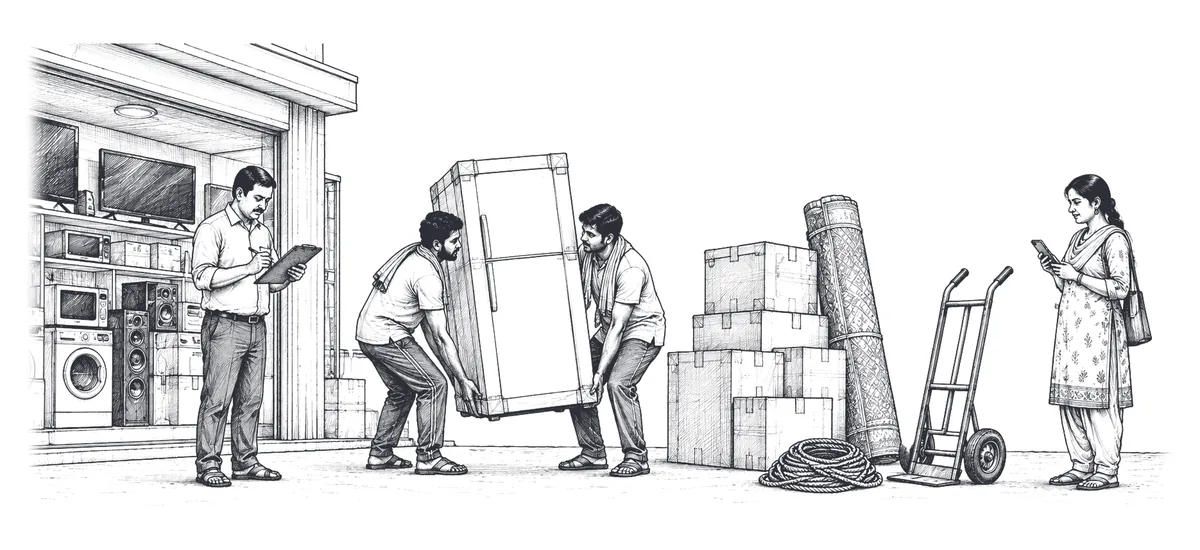
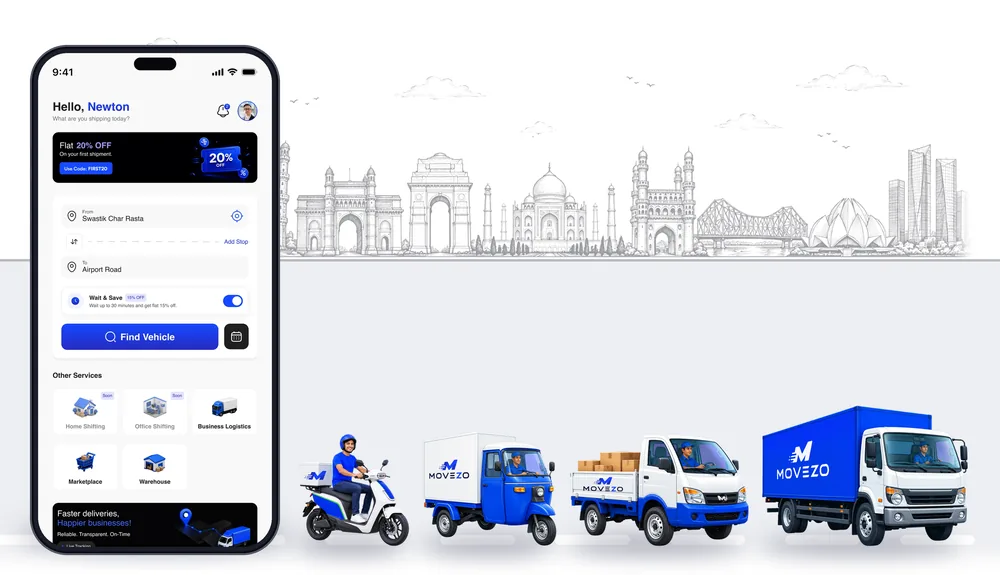
Ask anyone in Ahmedabad for a "tempo" or a "chhota hathi" and they usually mean the Tata Ace: the small goods vehicle with an open deck that you book when a load is too big for a three-wheeler but nowhere near a truck. On Movezo you book it like any other delivery: set two addresses, describe the goods, see the full price and pay in the app.
This guide covers the booking, what fits, how the fare is built, and the rules on loading, waiting and cancelling worth knowing before the vehicle arrives.
What a Tata Ace is good for
The Tata Ace suits loads that need a flat deck but not a long one:
- a fridge, a washing machine or a bed frame;
- a few dozen cartons from a wholesale market or a godown;
- shop fittings and display racks.
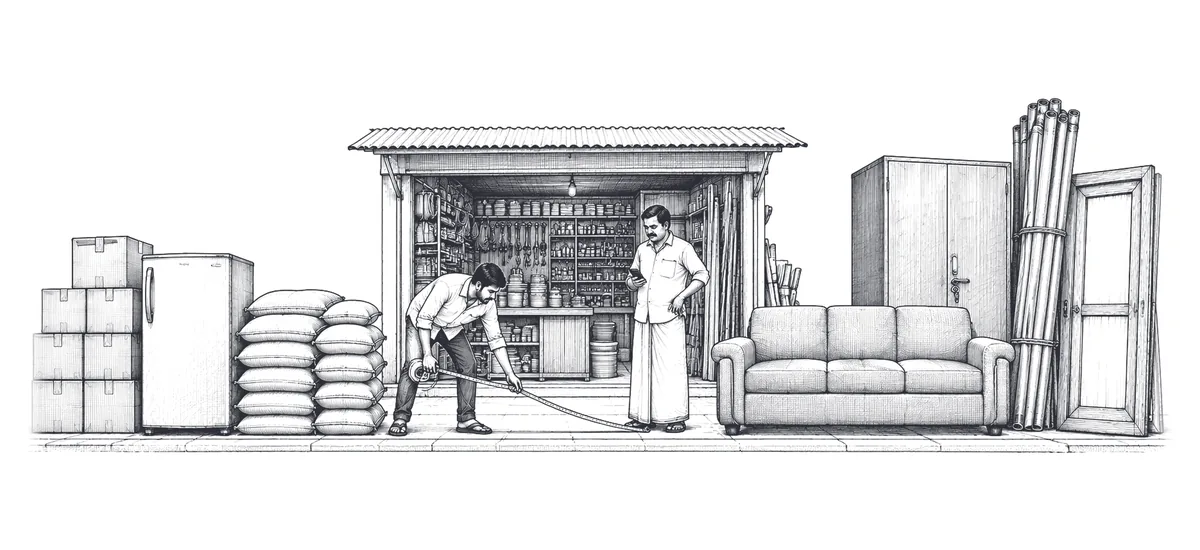
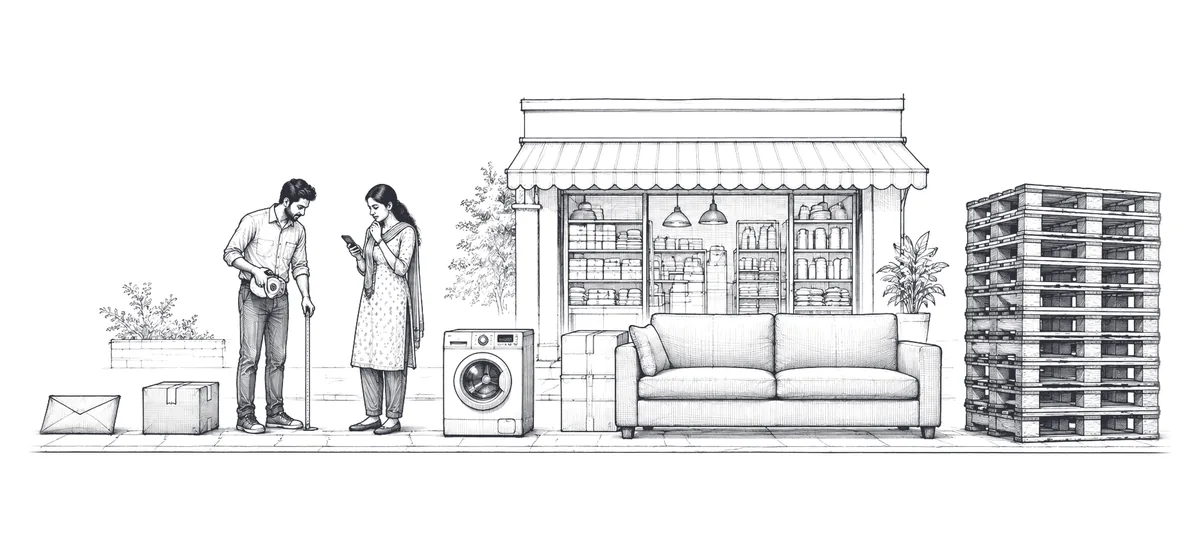
Two checks decide it. First, measure the longest item: if anything is longer than about 6 ft, book a pickup truck, whose longer deck carries it without it sticking out. Second, check the weight limit, which the app shows for each vehicle when you choose it.
For a few cartons, a three-wheeler cargo is cheaper. Our guide to choosing the right delivery vehicle compares every option, and Tata Ace vs pickup truck settles the most common close call.
How to book a Tata Ace on Movezo, step by step
- 1Set pickup and drop. Search the address or drop the pin on the right gate. If one Tata Ace needs to make several drops, add them now; see multi-stop delivery.
- 2Describe the goods. Pick the goods type, give an honest size and weight, and mark it fragile if it is. This decides which vehicles you are shown.
- 3Choose Tata Ace. The app lists the vehicles that suit your load, each with its full price and weight limit.
- 4Pick instant or scheduled. Instant sends the nearest available partner once you pay. Scheduled lets you choose a two-hour pickup slot up to 7 days ahead.
- 5Add loading help if you need it. A flat fee, shown when you add it, for the driver to help you load and unload at ground level (more on this below).
- 6Check the breakdown and pay. Fare, any surcharge, add-ons, offer, the Movezo platform fee and GST are each shown on their own line before you pay. Payment is taken in the app; the partner never collects cash.
- 7Hand over against the pickup OTP. Give the code from your app only when the goods are being loaded. The partner photographs the load and the trip starts.
- 8Track it and confirm delivery. Follow the vehicle live. The receiver checks the goods and shares the delivery OTP with the partner, which completes the proof of delivery.
The mini truck booking page has the same steps in short.
What a Tata Ace costs
A Tata Ace fare is a base fare plus Pickup pay and the Drop charge (your per-km charge, split 25:75), with a minimum fare. Both Pickup pay and the Drop charge go in full to the partner.
- Base fare: charged in full when you book for now, and halved on a scheduled booking.
- Per km, first 11 km: the Tata Ace's standard rate, shown as Pickup pay (25%) and the Drop charge (75%).
- Per km after 11 km: a lower rate, about a fifth less, split the same way.
- Minimum fare: the lowest the fare can be, however short the trip.
- Free waiting: 20 min at pickup and 20 min at drop.
- Waiting after that: a per-minute charge, shown on a live timer.
- Extra stop: a fixed fee for each stop, up to 5.
The minimum fare only matters on short hops. Booked for now, a 1 km trip comes to less than the minimum, so the minimum applies; from 2 km upwards the normal calculation is higher than the minimum. Scheduled, with half the base fare, the minimum applies up to 3 km, and from 4 km the normal calculation is higher. When the minimum applies, Pickup pay and the Drop charge are raised 25:75 to reach it.
On top of the fare come any surcharge, the add-ons you choose, a 7% Movezo platform fee on the fare and 18% GST on that fee. All rates are in the Pricing, Fares and Charges Policy, and the app always shows the current fare before you book.
Worked example: a 13 km scheduled Tata Ace with loading help
You are moving a washing machine, a bed frame and some cartons 13 km across the city. You book a scheduled slot, so you pay half the base fare and no surcharge can apply. You add loading help and use no offer. The app builds the price like this:
- 1Base fare. Half the Tata Ace base fare, because the booking is scheduled.
- 2Per-km charge. The first 11 km at the standard rate, plus the last 2 km at the lower rate.
- 3Pickup pay and the Drop charge. That per-km charge, split 25:75.
- 4Fare. Half the base fare + Pickup pay + Drop charge, rounded to a whole amount, with the rounding difference added to the Drop charge so the lines add up.
- 5Loading help. The flat fee is added on top of the fare.
- 6Platform fee and GST. A 7% Movezo platform fee on the fare, and 18% GST on that fee.
Booked for now instead, the same trip would use the full base fare, so it would cost more: the difference is half the base fare, plus the platform fee and GST on it.
If you are a new customer and this is one of your first three bookings while the Launch Offer is running, the offer takes 25% off the fare, up to a cap for a Tata Ace. On a 13 km trip, 25% of the fare is more than the cap, so the full capped amount comes off. For more examples, see how delivery charges are worked out or the Pricing page.
Instant or scheduled?
Instant suits a load that has to go now. Movezo looks for a nearby partner for about three minutes once you pay; if nobody accepts and you do nothing, the booking is cancelled and refunded in full. Instant bookings can carry a surcharge: on a Tata Ace, rush hour (7 to 9 AM and 5 to 8 PM, Monday to Friday) adds 12% on the Drop charge, never on the base fare or Pickup pay. Every surcharge is shown before you pay.
Scheduled suits anything you can plan, like a Sunday house shift or a weekly stock run. You choose a two-hour slot up to 7 days ahead, the fare is fixed when you book, and scheduled bookings pay half the base fare and are never surcharged. On a Tata Ace only the base fare is halved, with Pickup pay and the Drop charge unchanged. You get a reminder about an hour before the slot. See scheduled delivery for how slots work.
Loading help: what it does and does not cover
Loading help is an add-on you choose at booking, for a flat fee shown in the app. The driver helps move goods between the vehicle and the ground-level loading point at pickup and at drop. If loading takes less than five minutes, there is no charge.
It does not include carrying goods up or down stairs, dismantling furniture, packing, or lifting any single item that one person cannot safely lift, and you still supervise the loading. For a fridge on the third floor, have it brought down to the gate first.
Waiting time
The free waiting time on a Tata Ace is 20 minutes at pickup and 20 minutes at drop, counted separately. The clock starts when the app records that the partner has arrived. After that, waiting is charged by the minute, and the app shows a live timer once free time ends. If loading runs to 30 minutes at pickup, for example, you pay for 10 minutes of waiting.
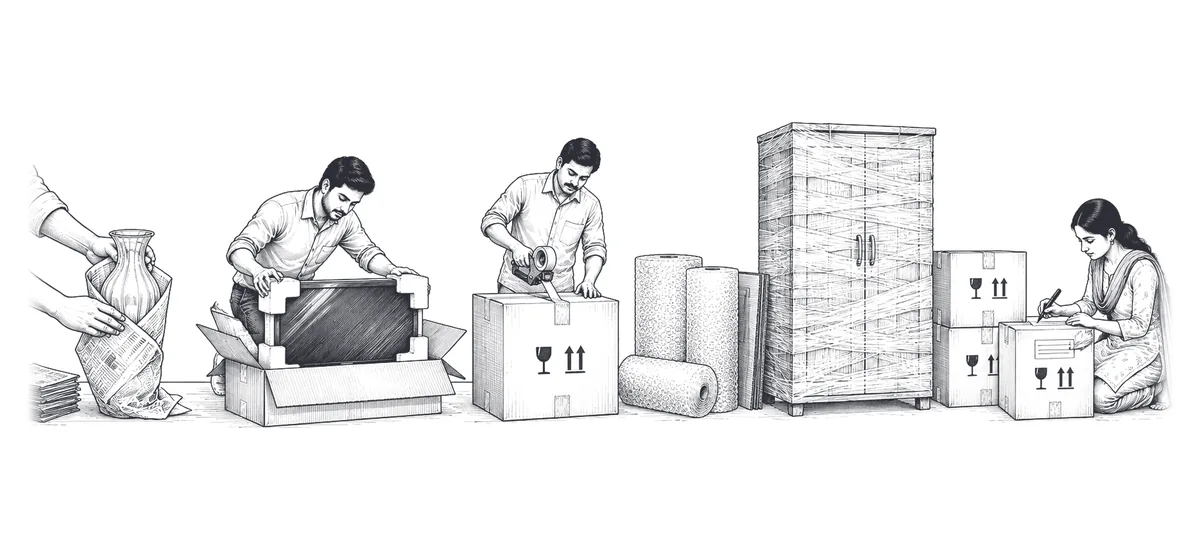
To stay inside the free time, have everything packed and at the gate before the vehicle comes; our packing checklist covers furniture, appliances and cartons.
Cancelling a Tata Ace booking
| When you cancel | Fee |
|---|---|
| Before a partner is assigned, or within 60 seconds after | Nothing |
| After that, before the partner starts for pickup | A small fee |
| While the partner is on the way | A higher fee |
| After the partner has arrived | A higher fee, plus any waiting charge |
| After loading has started | The full fare |
The app shows the exact fee before you confirm, and the amounts are in the Pricing Policy. A scheduled booking can also be moved to another slot free of charge until a partner is assigned. If the partner is more than 15 minutes later than the arrival time shown when they were assigned, support will cancel without a fee.
What not to send in a Tata Ace
The partner checks the load before it goes on the deck and can refuse goods that look prohibited, unsafe, leaking, badly packed or over the vehicle's capacity. A refusal after the partner has arrived carries the arrived-stage cancellation fee, so check first. You cannot send:
- alcohol, which cannot be transported in Gujarat;
- gas cylinders (full or empty), fuel and hazardous chemicals;
- fireworks, explosives, weapons and live animals;
- cash, jewellery or bullion;
- people: Movezo carries goods only.
The full list, with conditions for medicines, liquids and fragile items, is in the prohibited and restricted goods policy. Movezo currently delivers within Ahmedabad only.
Frequently asked questions
How much does a Tata Ace cost in Ahmedabad?
A Tata Ace fare is a base fare (halved if you schedule) plus a per-km charge, at the standard rate for the first 11 km and a lower rate after that, shown as Pickup pay (25%) and the Drop charge (75%), with a minimum fare. A 7% platform fee and 18% GST on that fee are added, and the app shows the full price before you pay.
Can the Tata Ace driver help me load?
Yes. Add loading help at booking for a flat fee, or nothing if loading takes under five minutes. It covers ground level to the vehicle, not carrying goods up or down stairs.
Can I book a Tata Ace for tomorrow morning?
Yes. Choose a scheduled booking and pick a two-hour slot up to 7 days ahead. You pay half the base fare, the fare is fixed when you book and no surcharge applies.
How long will the Tata Ace wait at pickup?
Waiting is free for 20 minutes at pickup and 20 minutes at drop. After that it is charged by the minute, shown on a live timer in the app.
Prices, offers and rules in this guide follow Movezo’s published policies on the date above. The app always shows the current fare before you book. See Pricing, Fares and Charges and the Customer Terms.