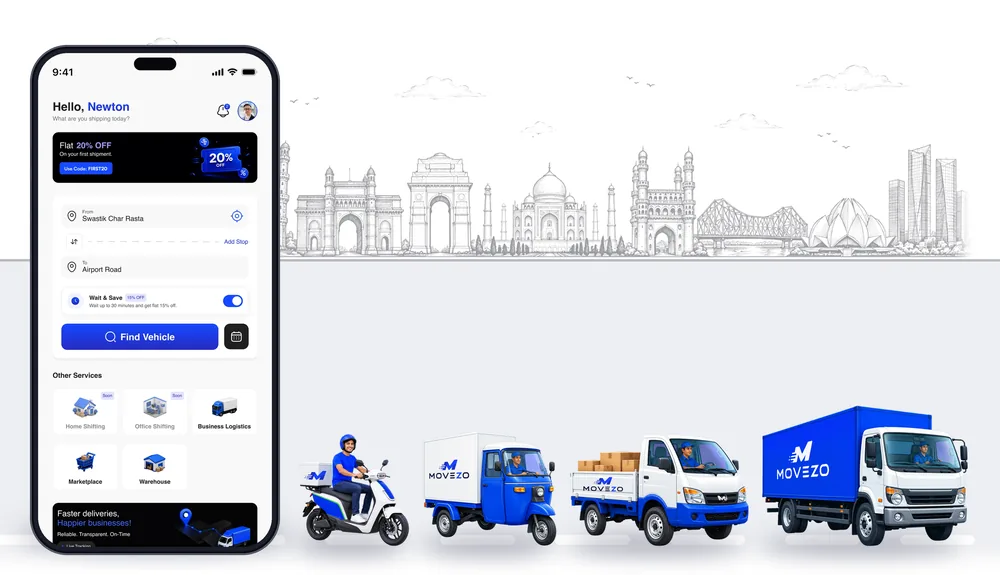
How Movezo's AI-enabled features make every delivery faster
Booking a delivery used to mean calls, guesswork and haggling. Here is what Movezo's AI-enabled systems do for you, trip by trip.
 Movezo teamPublished 4 min read
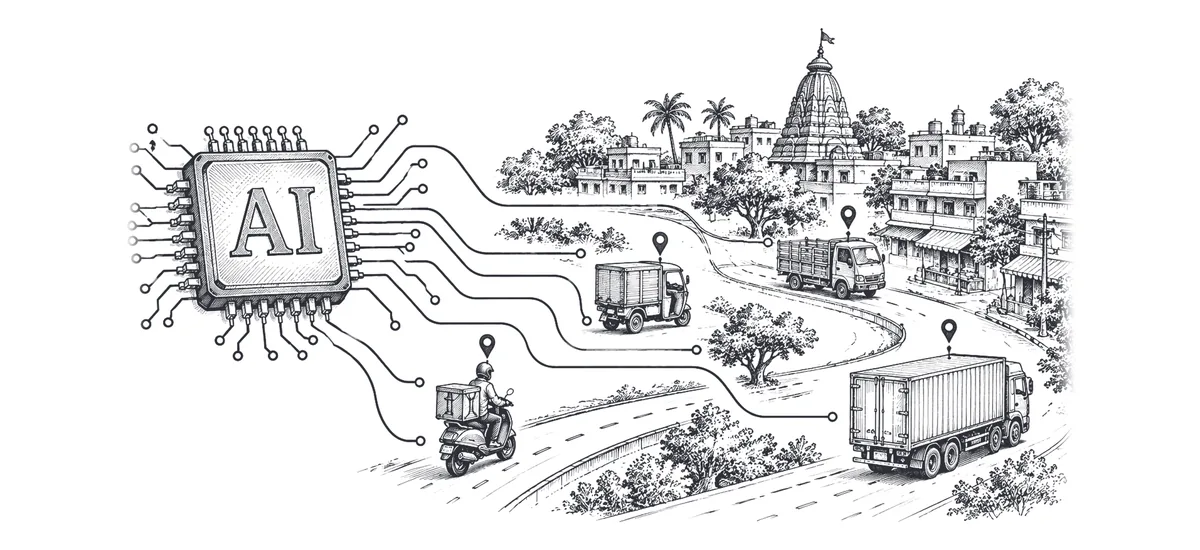
Moving goods across a city used to start with a phone list. You called around, described the load, guessed the vehicle size, agreed a price that changed at the drop, and then waited without knowing when the driver would arrive.
Movezo is built so that the app does that work for you. Behind every booking, Movezo's AI-enabled systems match the job, plan the route, price it and keep it on time. Here is what each one does, and what it means for you.
1. Automatic partner matching
When you book, the app looks for a suitable verified partner nearby with the right vehicle for your load, and sends them the job. You do not call anyone. The partner sees the pickup, the drop and their earning before they accept.
What it means for you: a booking takes about a minute, and the partner who arrives is the one the app matched, and you can follow them live in your app.
2. The best order for every stop
On a multi-stop delivery, the stops are put in the most efficient order automatically, so the route is shorter and the partner is not zig-zagging across the city.
What it means for you: one vehicle covers several drops, and every receiver gets their own delivery code and proof of delivery.
3. A live arrival time
The arrival time updates through the trip from the partner's live location, for you and for the person receiving the goods. Share the tracking link and the receiver sees it too.
What it means for you: no more "where are you?" calls. See how the live tracking works.
4. Fares for every vehicle at once
One request prices your route on every vehicle, from a bicycle or two-wheeler to a three-wheeler, Tata Ace, pickup or truck, with the full breakdown, before you choose.
What it means for you: you compare and pick the right vehicle instead of guessing, and the price you see is the price you pay. Not sure which vehicle fits? Read how to choose a delivery vehicle.
5. Loads that share a truck
Capacity Share finds other consignments going the same way, so you book only part of an Eicher 14 ft or 17 ft truck instead of all of it.
What it means for you: for a part load, you pay for part of the truck. It is a scheduled booking and the truck makes other stops, so it takes longer. Read full truck or shared truck to see when it makes sense.
6. Fewer empty trips
Partners are offered return loads for the way back, so fewer trucks drive home empty.
What it means for partners: more paid kilometres in a day. What it means for the city: fewer empty trucks on the road. If you drive, see how to become a Movezo partner.
What stays human
Smart technology handles the matching and the maths. The parts that need trust stay with people:
- Verified partners: identity, licence and vehicle papers are checked.
- OTP at both ends: the trip starts only with your pickup code and ends only with the receiver's code, with photo proof. See delivery OTP and proof of delivery.
- Real support: a person answers at support@movezo.in, 8 AM to 10 PM every day.
Frequently asked questions
Is Movezo an AI app?
Movezo is a goods delivery and vehicle booking app with AI-enabled features behind it: automatic partner matching, the best order for multi-stop routes, a live arrival time, fares for every vehicle in one request, Capacity Share for shared truck loads, and return loads for partners.
Who decides which partner gets my booking?
The app offers your job to a suitable verified partner nearby with the right vehicle. The partner sees the job and their earning, and chooses to accept it.
Does the price change after I book?
No. You see the full price for every vehicle before you book, and you pay in the app. Extra charges apply only for things you add or that the Pricing Policy sets out, such as waiting time or an extra stop.
Where does Movezo work?
Movezo moves goods within Ahmedabad, Gujarat. Serviceable areas are shown in the app.
Prices, offers and rules in this guide follow Movezo’s published policies on the date above. The app always shows the current fare before you book. See Pricing, Fares and Charges and the Customer Terms.