Skip to content

LEGAL

Safety and SOS Terms

Effective
21 November 2026
Last updated
21 November 2026
Version
1.1
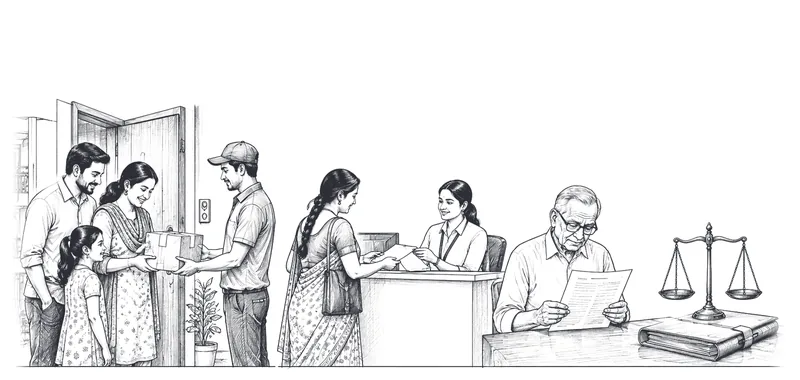
Pen-and-ink drawing of a family checking a delivered parcel, a refund receipt at a service counter and a man reading a document

Key points

  • In an emergency call 112 first.
  • The SOS button alerts Movezo support; it does not call the police.

A summary for convenience. The full text below is what applies.

1.What the SOS button does

1.1Pressing SOS during a trip sends an alert with the trip details and live location to Movezo's support team, who will call you. It does not contact the police, ambulance or fire services. In an emergency, call 112.

2.What we do

2.1We try to contact you and the Delivery Partner, record the incident and, where appropriate, share trip information with emergency services or the police on request. We cannot guarantee a response time.

3.Safety tips

3.1Hand over goods in a safe, well-lit place. Do not get into the delivery vehicle. Do not share OTPs before handover or delivery. Report any unsafe behaviour through 'Report a problem'.

4.Misuse

4.1Do not use SOS for non-urgent matters. Repeated false alerts may lead to suspension.

Questions about this policy?

Movezo Services Private Limited, Block-A, 606, Prahladnagar Trade Center, B/H Titanium, Jivraj Park, Ahmedabad - 380051, Gujarat. CIN: U62099GJ2026PTC180508. Support: support@movezo.in, +91 81603 66637 (8 AM to 10 PM, all days). Grievance Officer: Gajjar Omkumar, Director, grievance@movezo.in, +91 81603 66637.

Write to support@movezo.in or use the contact form.